
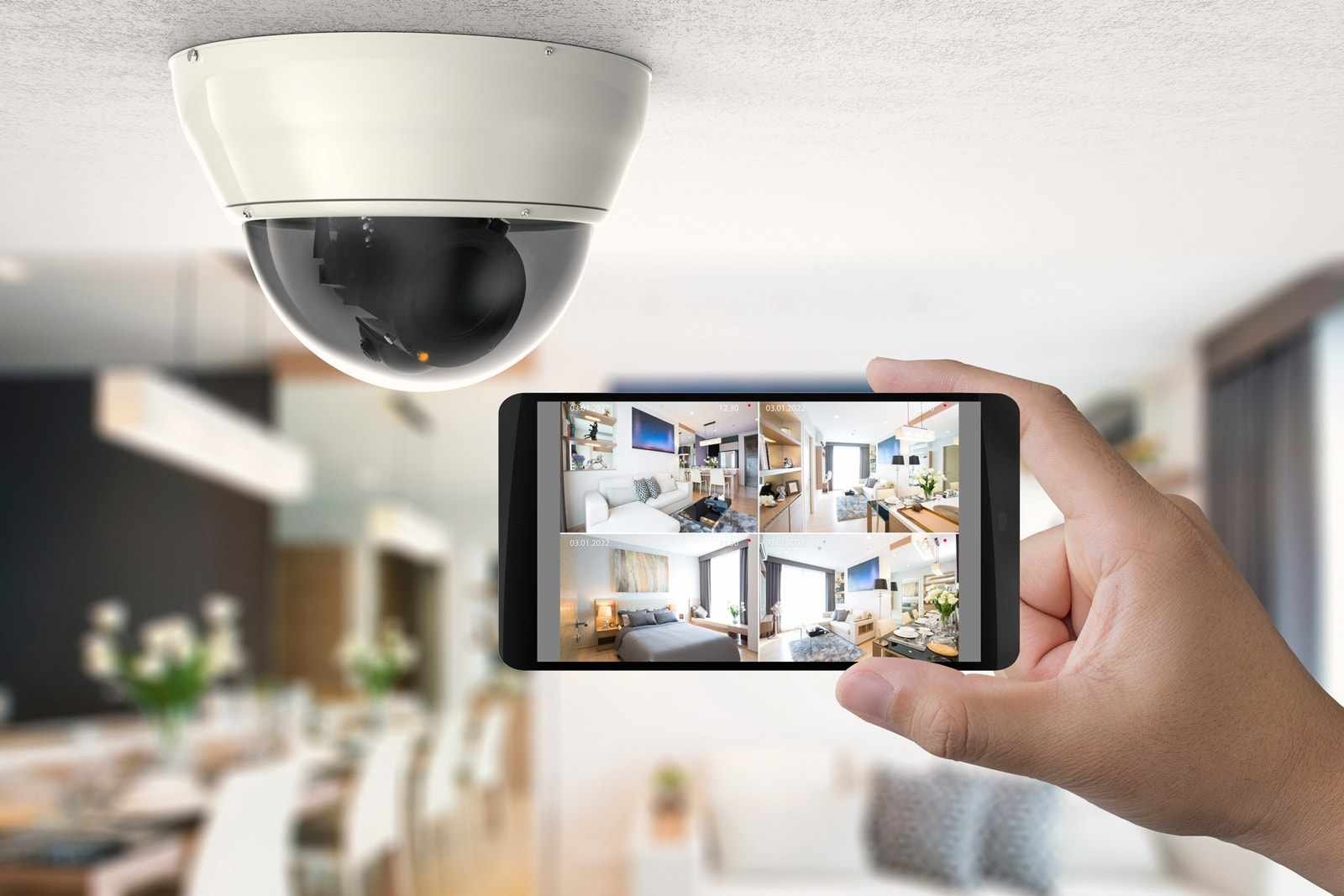
Live security camera views on a smartphone

Residential security cameras

See what matters.
From the right point of view.

Camera placement, image quality, recording, and remote access planned as one dependable system for your home.

Designed around the property

A camera system begins with coverage, not camera count.

Useful video starts with the questions you need the system to answer: who is at the door, what happened at an entry, or whether the property looks the way it should while you are away.

Executive Electronics plans camera locations, viewing angles, recording, network requirements, and the way you review footage together. The result is a system shaped around the property instead of a collection of disconnected devices.

Discuss your project
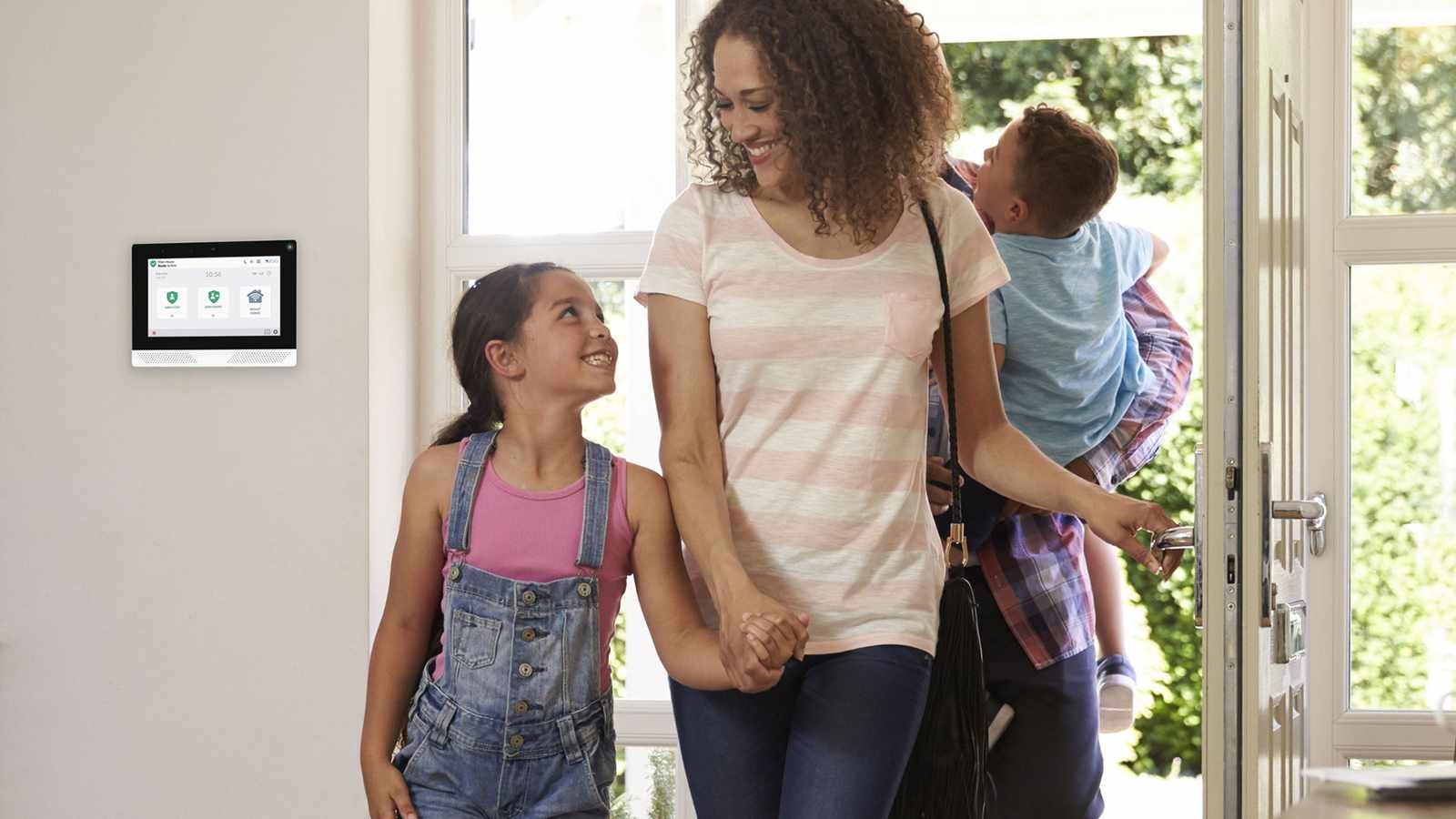
Family arriving home beside a residential security keypad

Coverage planning

Plan the view before choosing the equipment.

Camera height, lens choice, field of view, and lighting determine whether footage is useful. A wide view may establish context, while a tighter view may be better for identifying activity at a specific doorway or gate.

The planning conversation also accounts for privacy, landscaping, architecture, and the locations where power and network connections can be handled cleanly.

Entries and approaches

See the paths people use to reach the home, not only the door itself.

Video doorbells

Add a conversational view at the primary entrance where the property and system support it.

Exterior conditions

Account for glare, deep shade, weather exposure, and changing light throughout the day.

Existing systems

Evaluate which cameras, wiring, or network components may remain useful before replacing equipment.

Executive Electronics support specialist at a workstation

Everyday use

Make live viewing and playback straightforward.

A camera system is only helpful when the people in the home can reach the right view and find recorded footage without a technical scavenger hunt.

During planning and commissioning, the viewing experience can be organized around the compatible interfaces the household will actually use, with clear expectations for alerts, playback, and remote access.

Live views

Group important cameras so common checks take fewer steps.

Recorded events

Choose a recording approach that matches the events and history you expect to review.

Remote viewing

Confirm compatible access and account setup before the system is considered complete.

System handoff

Review how to view, search, and manage the finished system with the household.

A complete plan

What a useful camera plan accounts for

Four parts of the same system—not four separate purchases.

01

Property

Architecture, entry patterns, landscaping, and privacy shape the useful views.

02

Infrastructure

Power, cabling, Wi-Fi, and recording hardware must support the chosen locations.

03

Visibility

Resolution matters, but light, angle, distance, and motion matter just as much.

04

Operation

Alerts, playback, accounts, and remote access should fit the people using the system.

Planning questions

Before the project takes shape.

These answers frame the first conversation. Final equipment, compatibility, scope, and availability are confirmed for the specific property.

Can Executive Electronics work with an existing camera system?

The team can review the existing cameras, wiring, recorder, network, and viewing requirements. Which components can remain depends on compatibility, condition, and the goals for the updated system.

How many cameras does a home need?

There is no reliable camera count without reviewing the property. The useful number follows from the entrances, approaches, priority areas, viewing distances, privacy requirements, and image conditions that need coverage.

Can cameras be viewed while away from home?

Remote viewing may be available through the selected compatible system. Account setup, network requirements, and the devices that will be used should be confirmed during planning.

Do security cameras replace an alarm system?

Cameras and alarm devices answer different questions. Cameras provide visual context; intrusion, environmental, and monitored alarm functions require their own compatible equipment and service plan.

Plan your next project with Executive Electronics.

Contact us

239-597-9077  ·  info@eesecurity.net